Hidden Content SEO: Do FAQ Drop-Downs Hurt Your Google and AI Rankings?
A client asked me something recently that I hear a lot: "Someone told me I shouldn't have drop-down FAQs or 'read more' buttons on my site, because Google can't read them. Is that true?"
My gut answer was no, keep them. They're good for the people using your site. But I told them I'd verify it, because this one has a long, messy history. The topic even has a name in SEO circles: hidden content SEO, or content "behind tabs and accordions." Here's what I found.
The short version: Keep your drop-downs. Google says they're fine. The real risk isn't that the answer is collapsed. It's whether the answer is actually in the page before anyone taps. If it only loads on a click, Google won't see it, and neither will ChatGPT or Claude. You can check this yourself in about two minutes.
Where the hidden content SEO worry came from
The fear has real roots. In the early days of search, people stuffed pages with keywords in white text on a white background, so search engines saw them and visitors didn't. Google cracked down, and "hidden text" became a dirty word.
Somewhere along the way, a lot of people lumped in anything not visible when the page loads, including tabs, accordions and "read more" buttons. For years the working assumption in the SEO world was that Google gave that text less weight.
Then phones took over. Collapsing content is how you fit a real page on a small screen, and Google started judging sites by their mobile version. In 2016, Google's Gary Illyes was asked about exactly this and replied that in the mobile-first world, content hidden for UX "should have full weight."
Notice the word "should." That's part of why the debate never fully died.
What Google says today
This part is no longer a guessing game. Google's own documentation is clear on two points.
Drop-downs are not spam. Google's spam policies list "hidden text and link abuse" (white-on-white text, text behind images and so on), then specifically say accordion or tabbed content that toggles between hiding and showing doesn't violate their policies. Same for sliders, tooltips and screen-reader text.
Collapsing content on mobile is fine. Google's mobile-first indexing guide says you can move content into accordions or tabs on mobile to improve the experience, as long as the content is equivalent to your desktop version.
But the same guide has the sentence that actually matters: Google won't load content that requires a user interaction, like swiping, clicking or typing. Google reads the page. It doesn't tap your buttons.
How much does this really affect rankings?
Here's the honest answer: Google has never published a "weight" for collapsed text, and nobody outside Google can give you a precise number. Anyone who does is guessing.
What we do know:
- If the text isn't in the page, it counts for zero. That's not a ranking factor, that's simple math. Google can't rank words it never saw. This is the big one.
- If the text is in the page but collapsed, Google says it's fine. Most of the time, this isn't what's holding a site back.
- Some testers still see a small edge for visible text. Dejan, an Australian SEO agency, ran a test on mobile-first sites and found the version with the content showing outranked the version with it tucked in tabs in every query they tried. Their advice: if it's important, don't hide it. One agency's test isn't proof, but it's worth knowing.
So my take: the thing you most want to rank for, your core service and your main answer, belongs in plain view. The supporting details (pricing questions, "do you offer financing," "how long does it take") are perfect for a drop-down.
What about AI search, like ChatGPT and Google's AI Overviews?
This is where it gets more important, not less.
Google's AI Overviews and AI Mode run on Google's normal search index. Google says there are no extra technical requirements to appear in them. The page just has to be indexed, and Google recommends making sure your important content is available as text.
The other AI tools are pickier. In a December 2024 study, Vercel and MERJ found that none of the major AI crawlers they tracked run JavaScript, including the ones behind ChatGPT and Claude. (Google's Gemini is the exception, since it uses Google's own crawler.)
That means if your drop-down answers are pulled in by JavaScript when someone taps, those AI tools likely never see them. Your best answers to your customers' real questions could be invisible to the exact tools your customers are starting to ask.
Does FAQ schema fix it?
This was part of my gut answer, and I have to correct myself here. Schema (the behind-the-scenes code that labels your questions and answers) is useful, but it's not the fix.
- In August 2023, Google announced that FAQ rich results would only show for well-known, authoritative government and health websites. For most businesses, those expandable FAQs under your search listing went away. Google also said there's no need to remove the markup; it just has no visible effect.
- For AI features, Google says there's no special schema you need to add, and that your structured data should match the visible text on the page.
So schema can't stand in for text that crawlers can't read. Get the answer into the page first. Schema is a nice label on top, not a substitute.
How we build drop-downs on JDS1 sites
I wanted to make sure we practice what we preach, so I checked our own site.
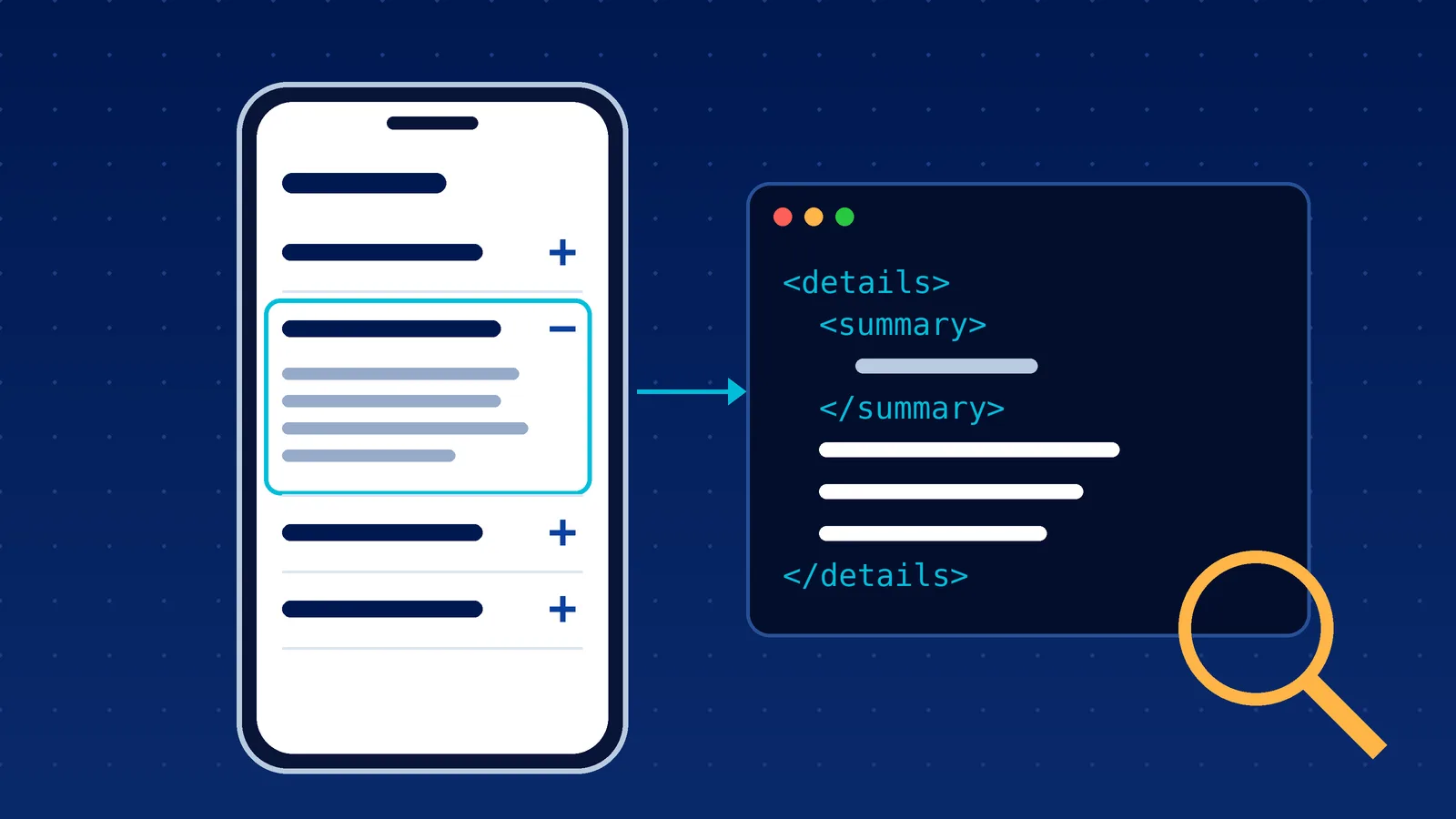
Our FAQ drop-downs use the web's built-in "details and summary" element, a plain HTML tag made for exactly this. Every answer is written into the page before it ever reaches your browser. Tapping the plus sign just shows what's already there. I pulled one of our live service pages the way ChatGPT's crawler would, with no JavaScript at all, and every FAQ answer was right there in the code.
That's not an accident. Our sites are built as modern, pre-built pages that load fast and hand search engines and AI tools complete, readable text up front. It's a big part of why we moved away from the old plugin-heavy setups. (We tell the longer story of that shift on our hosting page.)
We also add FAQ schema that matches the visible questions word for word. It doesn't earn a special search listing anymore, but it's accurate, harmless and easy for machines to read. Be kind to your future business: build it right once, and you don't have to rebuild it every time search changes.
If you're doing this yourself, here's what I would do
If you don't have an agency in your corner, you can still check this in a couple of minutes:
- Pick one FAQ answer from your site and copy a sentence from it.
- On a computer, open that page and view the source. In Chrome, right-click the page and choose "View page source," then press Ctrl+F (Cmd+F on a Mac) and paste your sentence.
- If it's there, you're fine. Your drop-down is just collapsed, and Google can read it.
- If it's not there, the answer is being loaded on a click. Ask your web person to change the drop-down so the answers are written into the page from the start.
- Want Google's own view? In Google Search Console, use the URL Inspection tool, then "View crawled page." That shows the HTML Google actually got.
Then, while you're in there, look at your most important page. If the one thing you most want to be found for is tucked inside a drop-down, pull it out where people (and robots) can see it.
If you'd rather have someone check your whole site for this kind of thing, book a quick call and we'll take a look.
Keep reading
SEO Strategy Guide for Modern Search and AI Discovery
Rankings don’t pay bills. Leads do. Traffic looks good in a report. Rankings feel like progress. But neither guarantees revenue. A real SEO strategy connects visibility to qualified leads and…
Using AI for SEO Without Sounding Like Everyone Else
AI can scale your content, but without a clear strategy, it can also dilute your brand. What starts as growth can quickly turn into inconsistent messaging, weak voice, and content that sounds like…